The Tribune Styleguide
Every element below is part of the Tribune toolkit: headers and pull quotes, galleries and embeds, callouts, tables, and code. Use them to give each story the structure and texture it deserves.
Headers
Headers are the backbone of your content's structure, guiding readers and search engines alike through the shape of a story.
Heading 1
Heading 2
Heading 3
Heading 4
Heading 5
Heading 6
Callouts
Need to draw the eye? Callouts make a point with flair. Add an emoji, write the text, and pick a background color.
Quotes
Quotes are your content's way of whispering in italics or shouting in bold, drawing attention where it is due:
A free press is the backbone of an informed public, and independent journalism is how that promise is kept.
Or add them in an alternative way:
Good journalism asks the questions others would rather avoid.The World Tribune
Bookmarks
When you link out, do it with style. Bookmarks show the title, excerpt, and a preview of the linked site:


You can add captions too
 Unsplash
Products
Highlight a product, a book, or in our case the theme itself, with a rich product card:
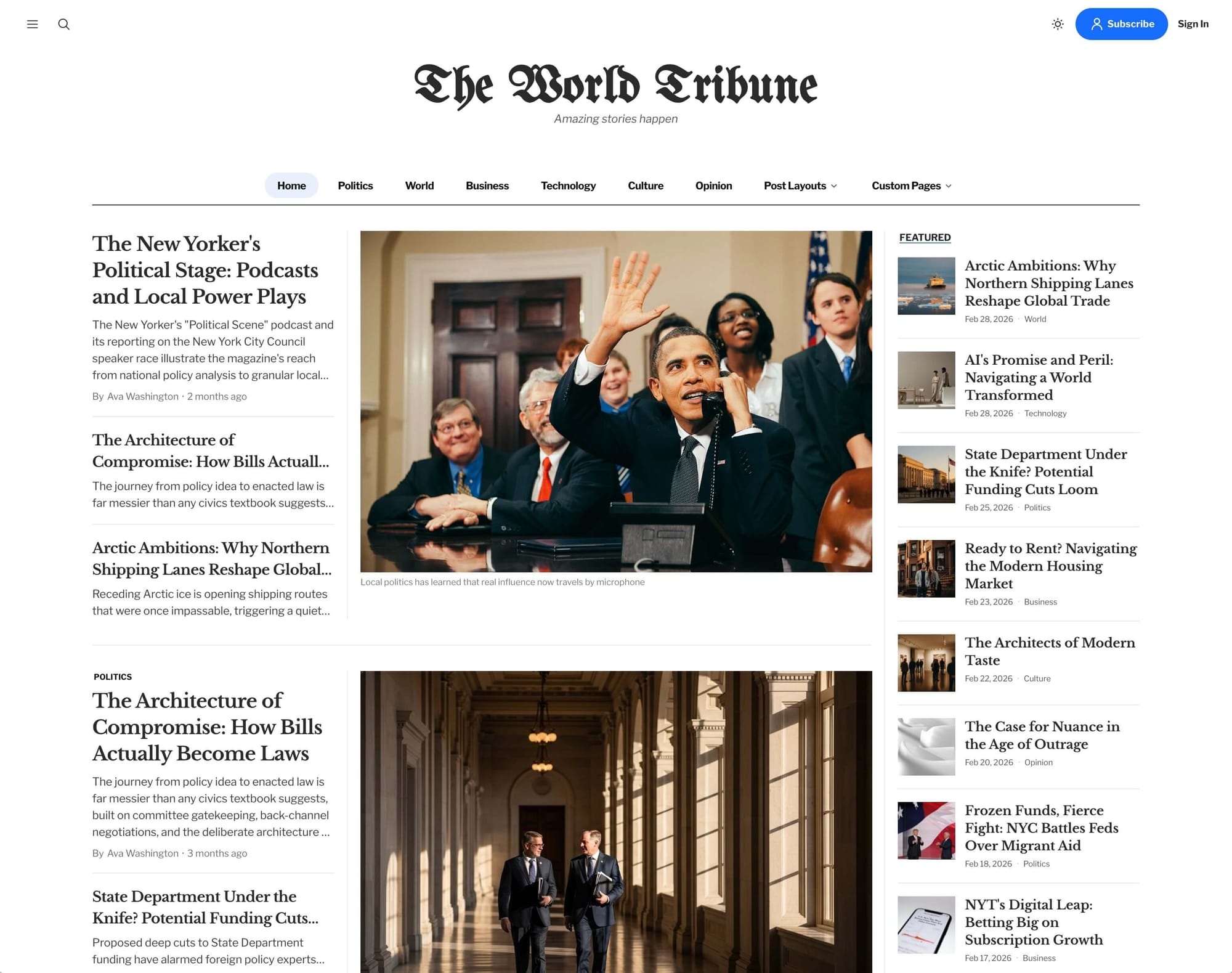
Tribune - Sophisticated Ghost Theme for Modern Publishers
Empowers your creative vision with elegant design and powerful features that elevate your content. Focus on crafting amazing stories while Tribune handles the presentation.
Images
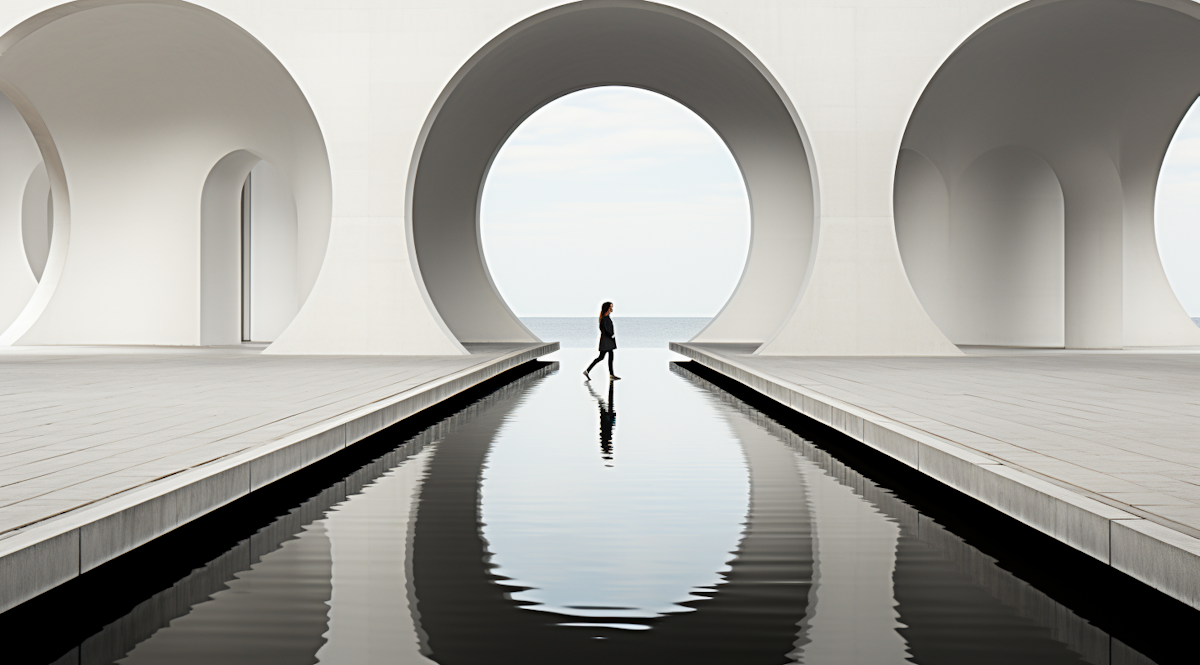
Mix text with images to shape the narrative flow. Images can be regular, wide, or full width, with captions for context:


Gallery
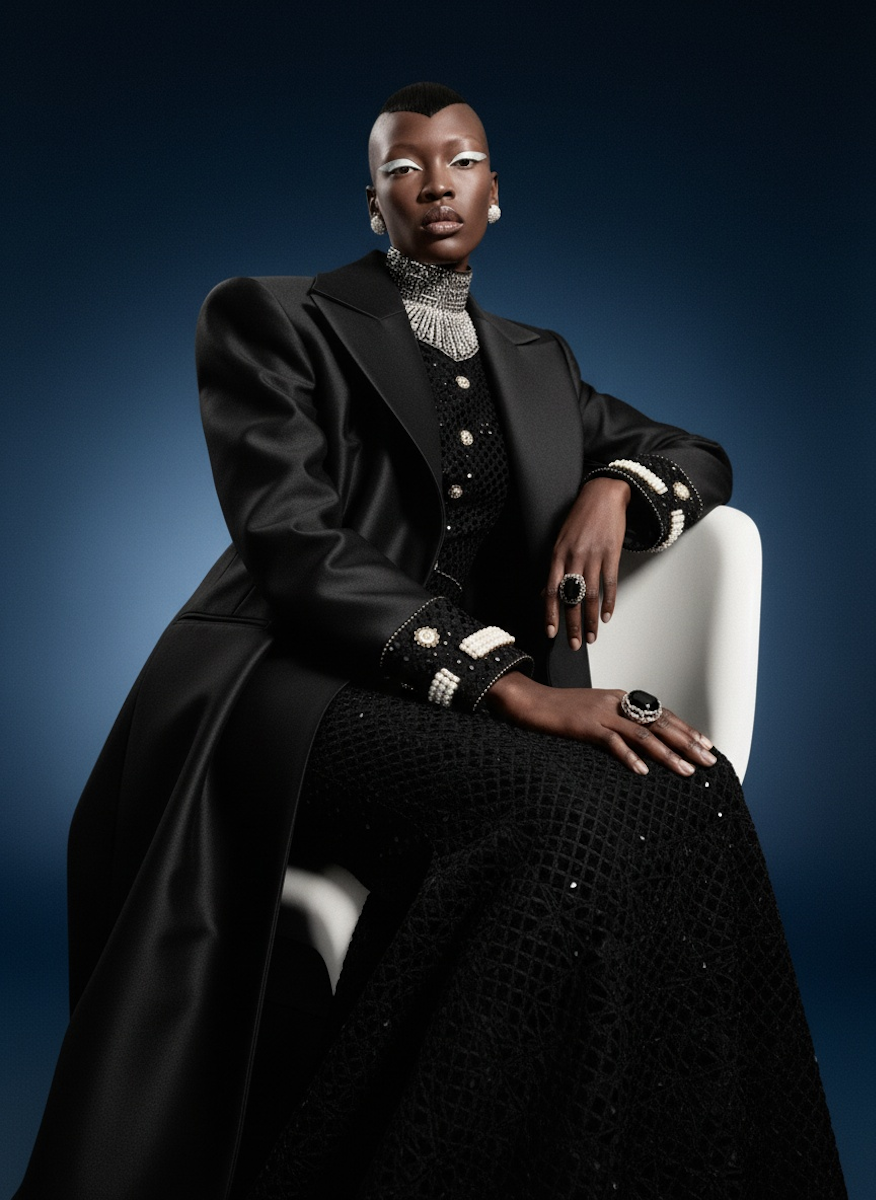
When one image will not do, let a gallery speak for you. Up to nine images can sit in harmony, optimized for any device:


Gallery
Header
Bold headers to anchor a section or a call to action:
Audio
Share the sound of your story with directly uploaded audio files:

File
Offer downloads directly from your posts:
Buttons
Direct your readers with a clear call to action:
Toggles
Hide or reveal content with toggles, handy for FAQs and asides:
What does a Tribune membership include?
Members get unlimited access to every story, the members-only morning briefing, and the full archive.
Can I read Tribune on my phone?
Yes. Tribune is fully responsive and can be installed to your home screen as an app for instant access.
Links
Links should be intuitive, whether auto-generated or custom: https://tribune.demo.luxethemes.com
Lists
Organize your thoughts or steps:
- Unordered list
- A second itemA nested item
- Ordered list
- A second step
Tables
Present data in an orderly fashion:
| # | Heading | Heading | Heading |
|---|---|---|---|
| 1 | Cell | Cell | Cell |
| 2 | Cell | Cell | Cell |
Video embed
Embed videos to enrich your narrative:
Code
For the tech-savvy, inline code looks like code, while code blocks shine for longer snippets:
.tailwind {
    display: block;
    width: 100%;
}
That is the full Tribune toolkit. Mix these elements freely to give every story its own shape.